
A CNC is ready for a first automation study when the part, process and workholding are already stable, and measured spindle waiting is caused by loading or changeover. A robot cannot repair an unstable blank, weak fixture, poor chip control or a fault that operators do not know how to recover.
Start with one machine and one part family. Record the current work, then choose the smallest cell that removes the proven bottleneck. This keeps the technical review clear and gives the factory a useful acceptance test.
Do not automate this job yet if...
- The blank size or gripping face changes without control.
- Operators often adjust the fixture or program during the run.
- Tool life, chips or coolant stop the process before loading does.
- The machine cannot expose the needed door, cycle and fault signals.
- No one owns the safe reset and restart method.
Is spindle waiting the real bottleneck?
Collect a representative period that includes the normal part mix, planned stops and common faults. A week is useful only when it captures those conditions. Separate cutting time from load and unload time, setup, tool change, inspection, planned stops and faults. Record the range, not only the average.
Then ask what the cell must recover. More spindle hours? Less manual lifting? Offline setup? A longer run after the late shift leaves? Each goal points to a different design.
| Measure | Why it matters | Do not hide |
|---|---|---|
| Cutting and waiting time | Shows whether handling is the real limit. | Short jobs, long jobs and changeover days |
| Load and unload work | Defines the handoff and operator task. | Cleaning, gauging and manual corrections |
| Faults and stops | Shows what an unattended cell must detect and recover. | Rare faults that stop a night run |
| Part and tool life | Sets the possible run window. | Worst tool, chip and coolant condition |
| Good-part output | Gives the base for an ROI model. | Rework, scrap and blocked production |
The smallest cell that can fix it
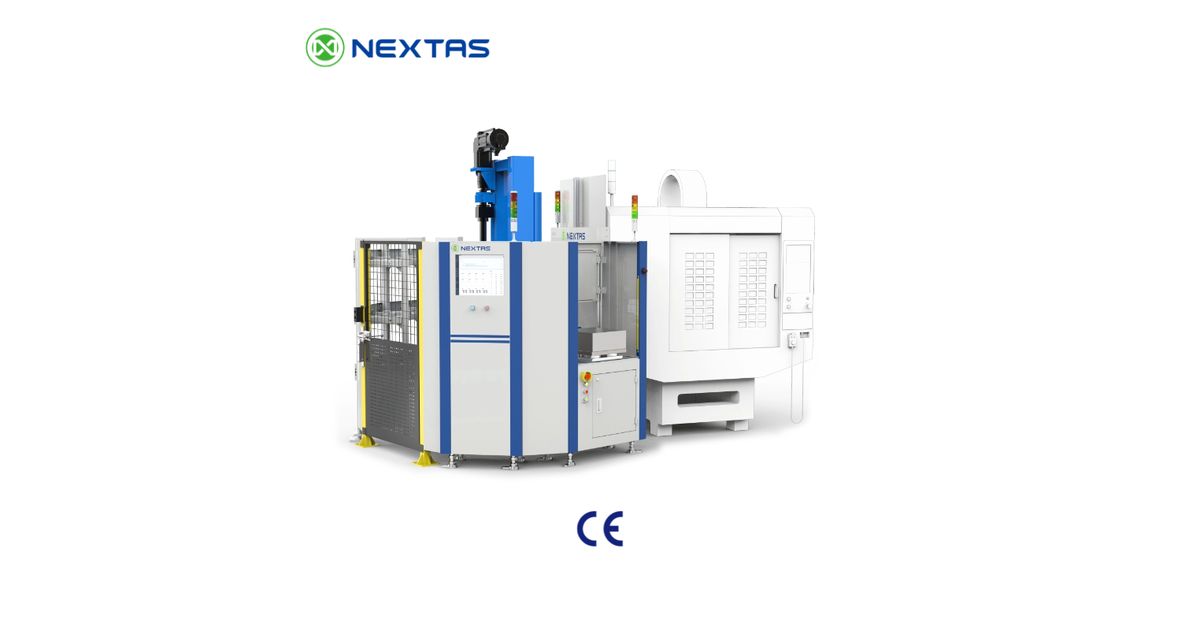
A dual-station pallet changer may be enough when the main goal is offline loading. Robot part tending may fit when one stable part can be gripped and placed in a proven fixture. A pallet magazine may fit when several prepared jobs need a queue. A shared multi-machine cell adds more flow and recovery work.
An automatic pallet changer, standalone automation cell and flexible manufacturing system are not the same product with different sizes. They solve different planning problems.
- Use an APC study when one machine mainly waits for fixture or pallet exchange.
- Use a robot-tending study when the part handoff and grip are stable.
- Use a storage study when job queue and prepared pallets set the run window.
- Use an FMS study when scheduling and shared resources across several machines are the main problem.
Can the existing CNC complete the handshake?
A machine handshake is the agreed set of signals and steps used by the CNC and automation cell. Check the exact controller, software level and installed options. A brand name such as FANUC or Mitsubishi is not enough.
Write the sequence in plain English before writing control code. For example: the CNC says the cycle has ended; the spindle is in the agreed state; the door opens; the cell confirms a clear position; the pallet or part moves; the fixture confirms its normal state; the door closes; then the next cycle may start.
List every input and output needed for that sequence. Add the maximum wait time, the action that is blocked, the alarm text and who may reset it. The detailed clamp I/O and fault-state checklist gives a plain-English way to do this.
Normal process signals are not proof of safety. Door control, safe motion, access and emergency functions need their own reviewed design.

Four accuracy numbers that are easy to confuse
Buyers often place several repeatability values in one sentence. That can create a false result. Keep these questions apart:
- Handler repeatability: how closely the robot or shuttle returns to a taught position.
- Receiver repeatability: how closely the pallet or fixture interface reseats under stated conditions.
- Part location: how the blank sits in the fixture after grip, cleaning and clamping.
- Process capability: how the finished feature varies after cutting, tools, heat and inspection are included.
A published value for one mechanism does not prove the next layer. For example, a robot value cannot be used as a finished-part tolerance. Ask the quotation to name the model, condition and test for every important number.
Fault recovery comes before an unattended run
An unattended window is a validated operating state, not a product feature. The cell must know when to stop, what remains safe, what data is kept and how a trained person restarts it.
Tool life, broken-tool checks, chips, coolant, fire response and alarm escalation also set the run window. If one item needs an operator every hour, a larger pallet store will not create an eight-hour unattended process.
Safety belongs to the full cell
RFID, infrared sensors, pressure switches and clamp signals may help identify a pallet or prevent a normal process error. They are not automatically safety devices.
The cell integrator must identify hazards, reduce risk and verify the safety-related controls for the real layout and use. Official standards such as ISO 12100, ISO 10218-2 and ISO 13849-1 help define that work. The exact standards and legal duties depend on the site and market.
What FAT and SAT must close
A factory acceptance test, or FAT, checks the agreed cell at the supplier before shipment. A site acceptance test, or SAT, checks it after installation at the buyer's plant.
Test the real payload, centre of gravity, gripping face and cycle range. Include missing or mis-seated parts, a jam, signal loss, power or air loss, and a controlled restart. Agree how many cycles or hours are needed and which faults may stop the test.
Do not claim better output, less scrap or an unattended shift until the site test records it under an agreed method.

Payback starts with the site's own baseline
Do not use a fixed one-year payback claim. Start with measured spindle waiting, good-part output, contribution per spindle hour, operator work and current downtime. Add integration, machine work, guarding, training, spare parts, maintenance and expected ramp-up loss.
Show a low, expected and high case. State every shift, demand and uptime assumption. This gives the buyer a model that can be updated after the site test.
Evidence for a first-cell review
Send the exact machine and controller model, software level, table and door layout, part drawing, mass and centre of gravity, current cycle data, fixture and clamp feedback, planned run window, floor limits, guarding needs and acceptance targets.
The useful first output is not a promise. It is a list of confirmed facts, open checks, proposed architecture and FAT/SAT tests. That gives the factory a clear go, no-go or revise decision.
Considering the first retrofit cell?
Test first-cell feasibility
Send the machine, part, cycle, workholding and fault data. Use the result to choose the smallest workable cell and define the checks before a quote.
Frequently Asked Questions
What does standalone CNC automation mean?
It is a cell added around one or more existing machines to handle a defined part or pallet flow. The cell may use a robot, pallet changer or storage system. It is smaller in scope than a full plant-wide FMS.
Can an existing CNC be automated without replacing its controller?
Sometimes. Check the exact controller, software level, options, door control, cycle signals, input and output points, restart rules and interface method. A controller brand alone does not prove fit.
Does 0.02 mm robot repeatability mean 0.02 mm part accuracy?
No. Robot repeatability, receiver reseating, part location and finished process capability are different values. Each needs its own model, condition and test.
Are RFID and infrared sensors safety devices?
Not by default. They may identify a pallet or help prevent a normal process error. The complete cell still needs a risk review and verified safety-related controls.
What must pass before the first unattended shift?
The machine handshake, workholding states, tools, chips, coolant, faults, alarm route, guarding and safe restart rules must all pass the agreed site test with the real part and payload.
How should payback be calculated for one existing machine?
Use measured spindle waiting, good-part output, labour and downtime as the base. Add the full cell, integration, guarding, training, service, spares and ramp-up cost. Show the assumptions instead of using a fixed payback claim.
Keep exploring
Related Articles
Continue with closely matched guides on pallet flow, automation architecture and lights-out production planning.
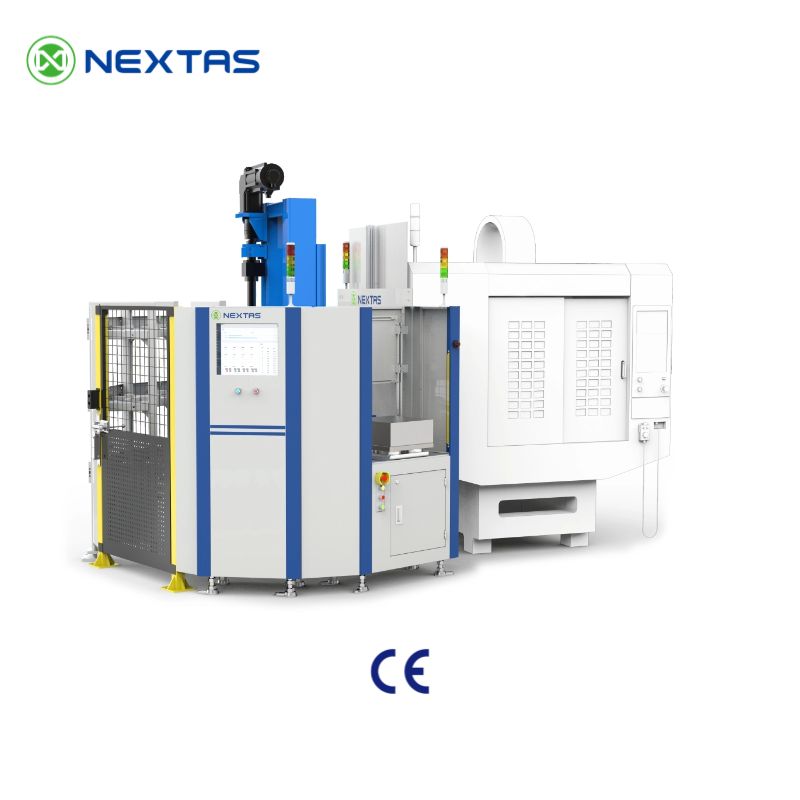
NEXTAS FMS Software: Scope, Interfaces and Acceptance
Review NEXTAS FMS software scope, machine, handling and data interfaces, order evidence, FAT/SAT stages and acceptance inputs before purchase.
Read article →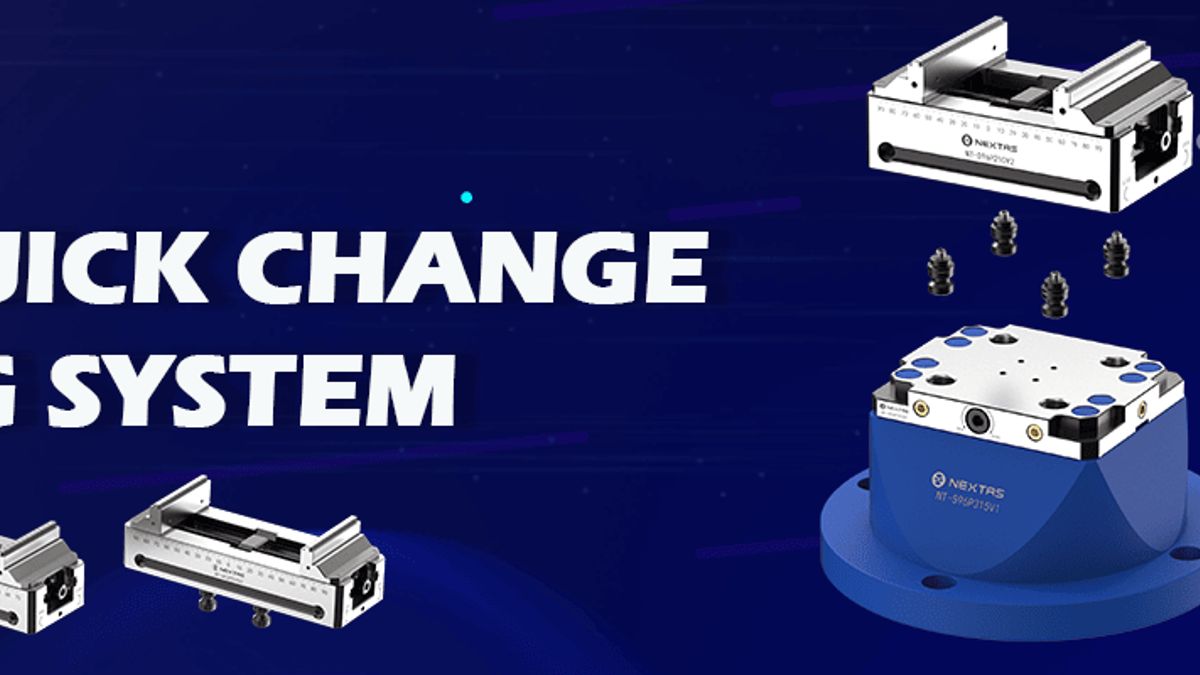
Robot-Loaded CNC Workholding: Vise and Zero-Point Integration
Plan the physical handoff between a robot, gripper, part, vise and zero-point receiver. Define signals, recovery steps and acceptance proof.
Read article →
Manual Pallet Changers: When Offline Setup Pays
Compare a manual pallet changer with an APC or robot cell. Use clamp, setup, cycle, queue and machine-fit data before choosing a CNC retrofit.
Read article →Match the hardware
Related Products
These product pages are the most direct next step if you are comparing automation cells, pallet flow and quick-change infrastructure.
CNC Automation Systems for Pallet Loading, Rotary Storage & FMS Cells
CNC automation systems for pallet loading, rotary storage, truss handling and FMS-ready machining cells. Match the right layout by machine count, pallet...
View product →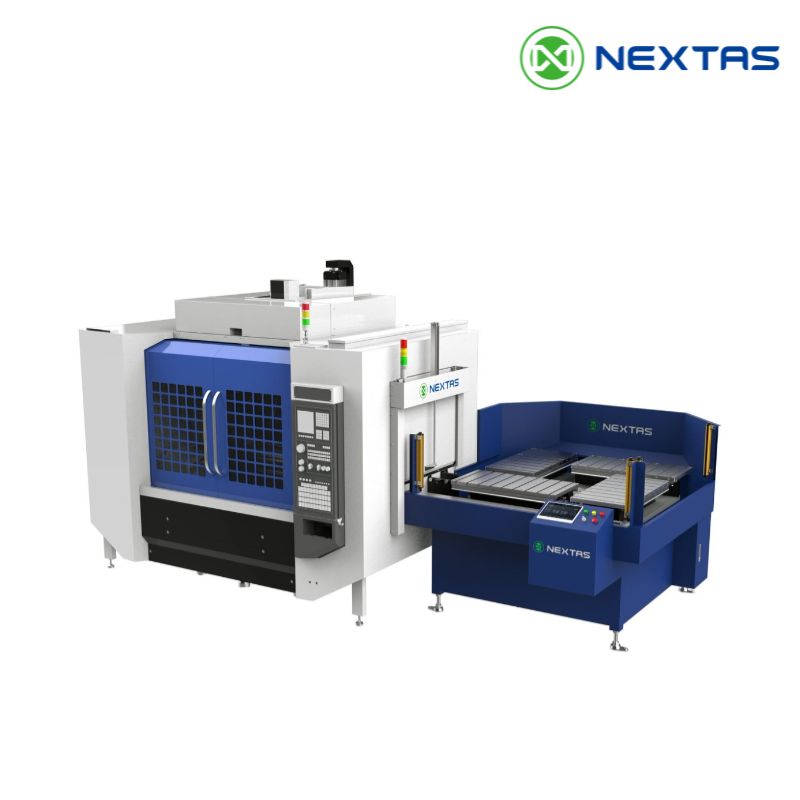
CNC Pallet Changer Systems
Manual and automatic CNC pallet changer systems with repeatable positioning, stable clamping, air-tightness detection and faster pallet swaps for VMC au...
View product →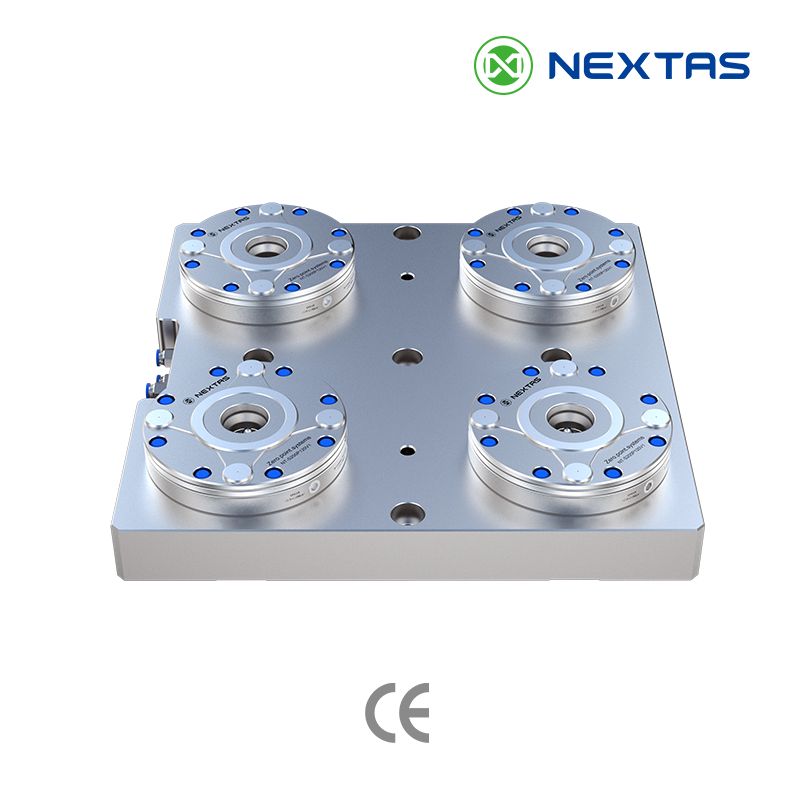
Zero-Point Clamping Systems
MFG zero-point systems for CNC automation, pallets and fixtures, with tapered positioning, mechanical self-locking and repeatability up to ≤0.003 mm.
View product →Planning an automation project?
Share your machine list, loading method, target output, and changeover constraints. We’ll help scope a practical automation path, from single-machine tending to pallet pools and FMS cells.
Discuss Your Automation Plan →