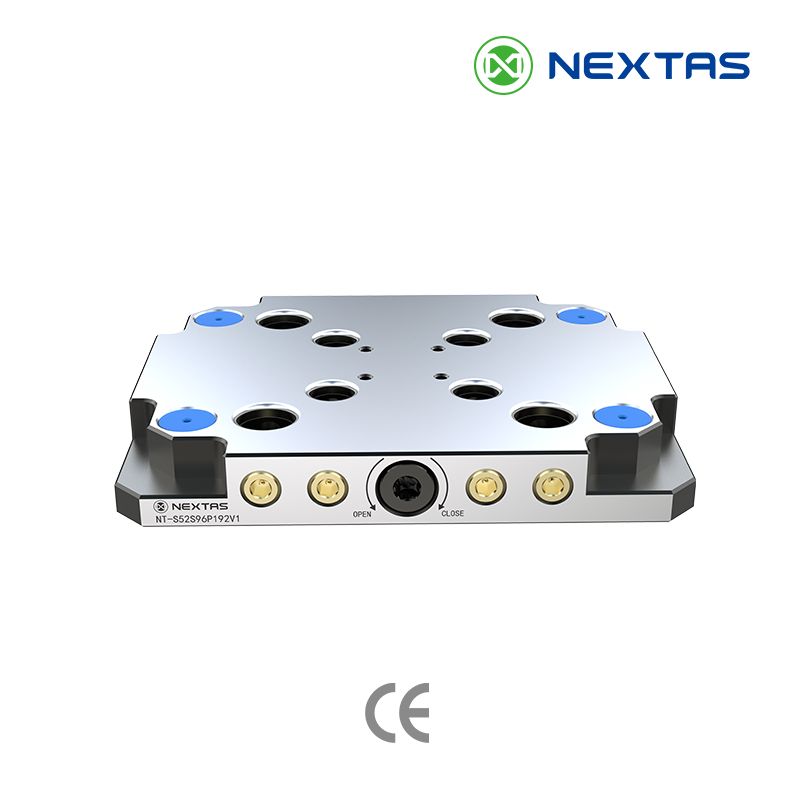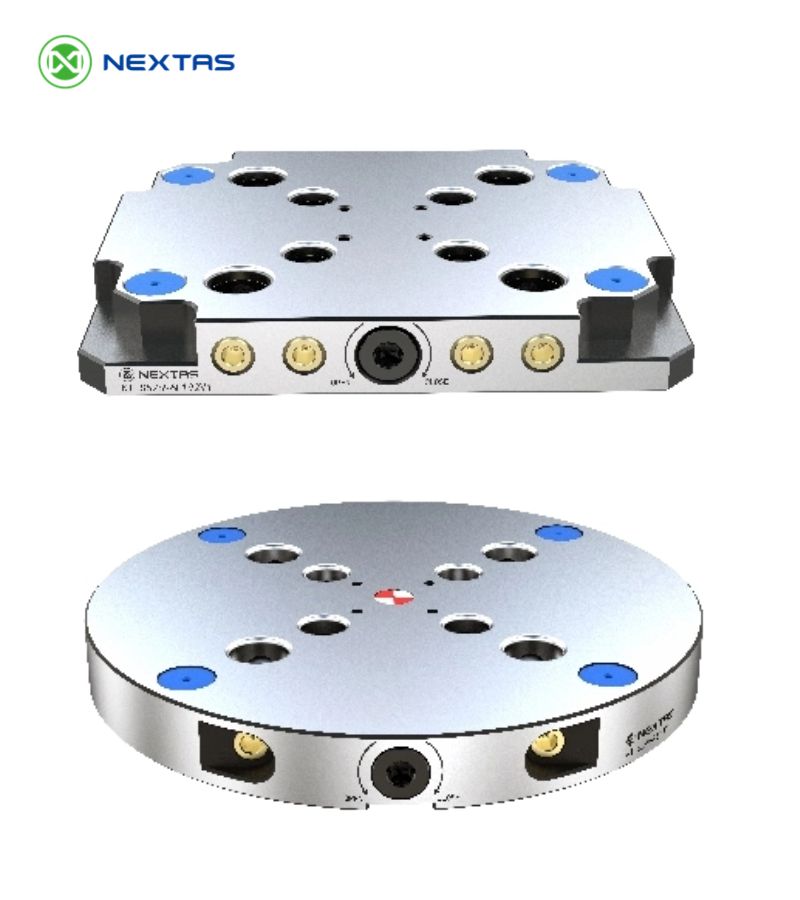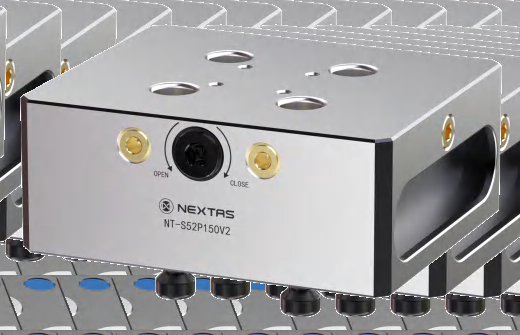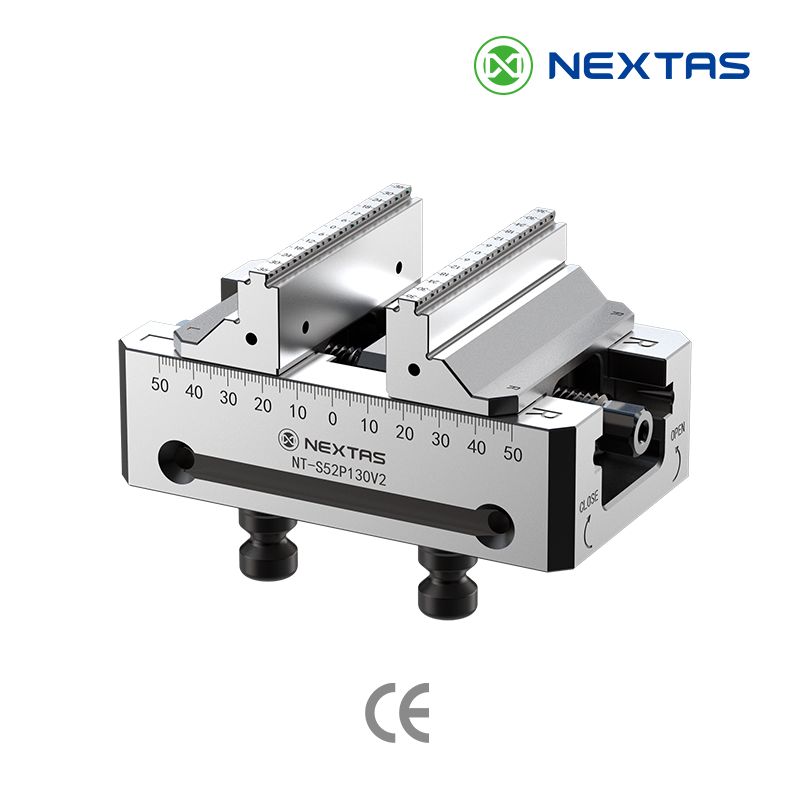
Match the interface first
Plate and receiver families use different studs; the matching tables keep those choices separate.
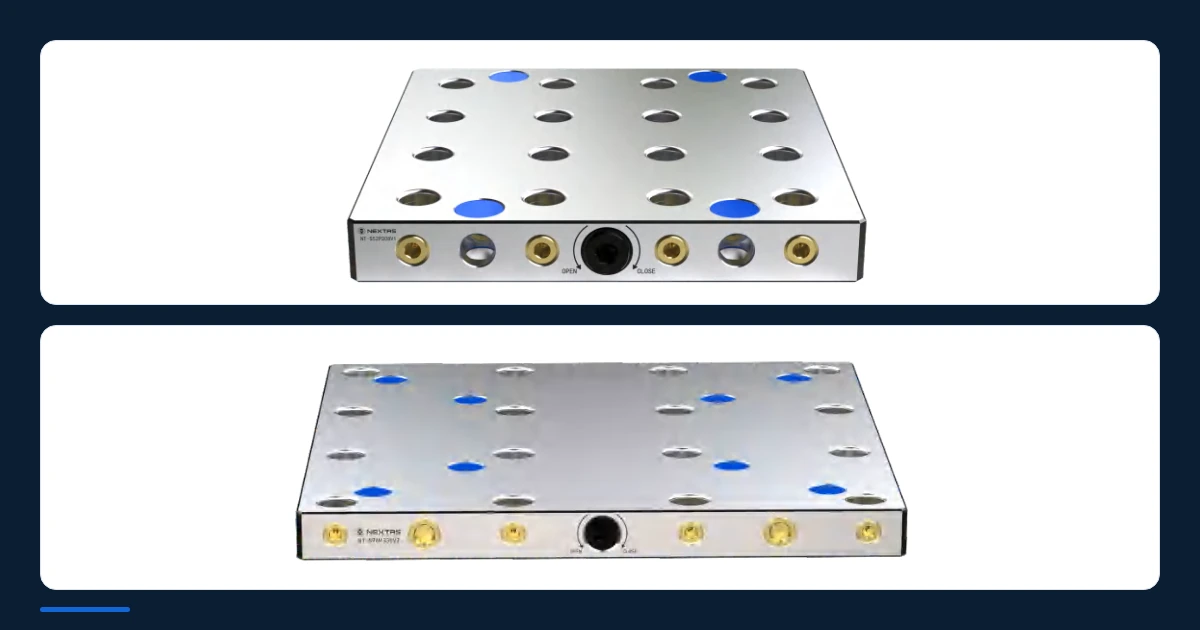
Complete the connection between your fixture and its selected zero-point interface. Use the specified 52 mm or 96 mm plate stud, or the separate receiver stud family listed below. Match the part number and locating role before checking the mounting details.
The 52 mm and 96 mm plate studs are separate from receiver stud families. Use the matching table for the interface on your fixture.
These values are the 2026 NEXTAS quick-change catalogue text for the two named models. They do not replace the approved drawing.
| Item | Size | Material | Weight |
|---|---|---|---|
| NT-S52P16V1 | 52×52 mm | Hardened stainless steel | 0.15 kg |
| NT-S96P20V1 | 96×96 mm | Hardened stainless steel | 0.2 kg |
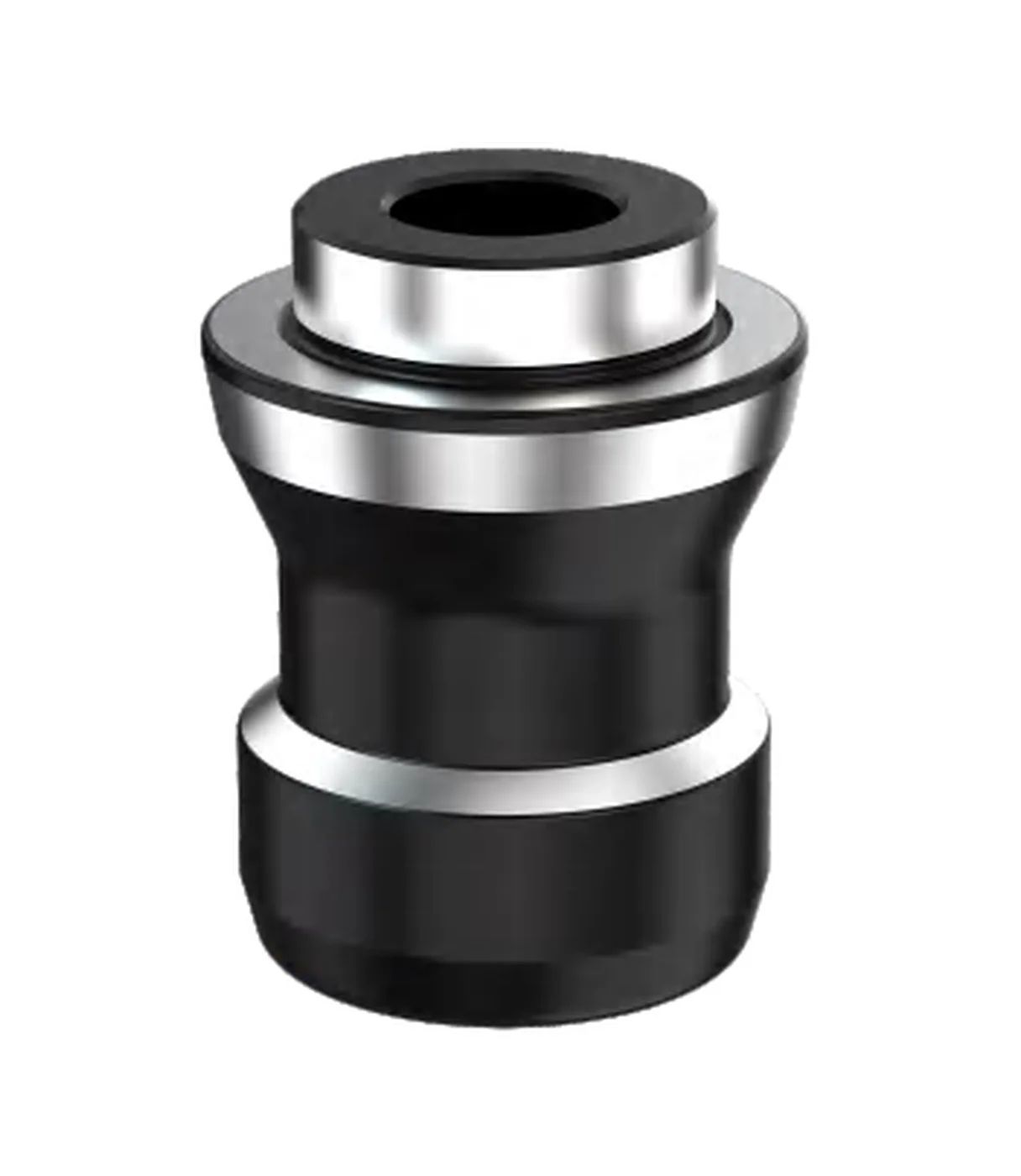
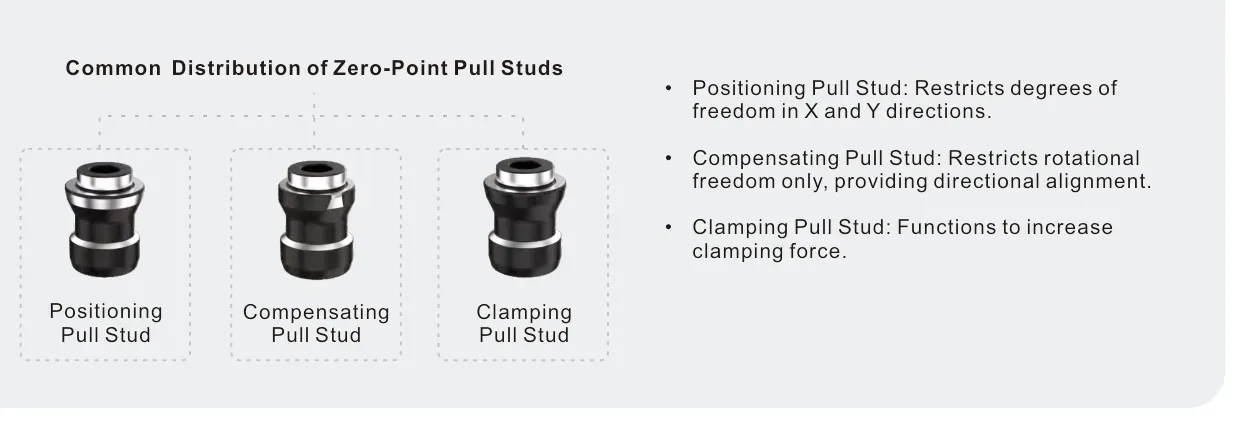
These receiver positioning, compensating and clamping families are separate from the two plate studs on catalogue page 23 and from chuck-specific studs. Follow the selected receiver and approved assembly drawing for each role.
Select the required stud roles and quantities from the approved assembly drawing. Use the table to match each positioning (V1), compensating (V2) or clamping (V3) stud to its receiver. The listed V1 receivers unlock with air pressure.
| Receiver | Clamping force | Lift load | Positioning stud | Compensating stud | Clamping stud | Weight |
|---|---|---|---|---|---|---|
| NT-S200P85V1 | 4 kN | 30 kg | NT-S200P25V1 | NT-S200P25V2 | NT-S200P25V3 | 1 kg |
| NT-S200P120V1 | 12 kN | 100 kg | NT-S200P30V1 | NT-S200P30V2 | NT-S200P30V3 | 3 kg |
| NT-S200P160V1 | 18 kN | 250 kg | NT-S200P35V1 | NT-S200P35V2 | NT-S200P35V3 | 4.5 kg |
| NT-S200P195V1 | 40 kN | 300 kg | NT-S200P40V1 | NT-S200P40V2 | NT-S200P40V3 | 7 kg |
Catalogue source: NEXTAS Industry Quick-Change Clamping System 2026, PDF pages 6–8 (printed pages 09–14). Request the catalog
Selection and mounting
Applications
Plate and receiver families use different studs; the matching tables keep those choices separate.
Confirm thread, shank and engagement length on the selected drawing before machining the mating part.
For receiver layouts, distinguish positioning, compensating and clamping roles using the approved assembly drawing.
Page updated . Catalog values for this family come from the 2026 NEXTAS industry quick-change clamping catalog. Confirm drawing-controlled dimensions on the selected model drawing. Request the catalog. Factory, catalogs, and shows.
The catalogue lists 52×52 mm for NT-S52P16V1 and 96×96 mm for NT-S96P20V1.
NT-S52P16V1 lists 0.15 kg. NT-S96P20V1 lists 0.2 kg.
Thread, shank, and engagement length are on the catalogue drawing. The text table lists size, material, and weight.
Use the plate or receiver pairing table and the approved assembly drawing to identify the part number and locating role. The plate studs and receiver stud families are separate; confirm thread, shank and engagement length on the selected drawing.
The plate item number, the stud item number, the quantity, and the drawing when the seat is outside these rows.
Fast quote
Share the plate or receiver model, any stud reference and the quantity. If the item is unknown, send the interface drawing so we can help identify the matching part.