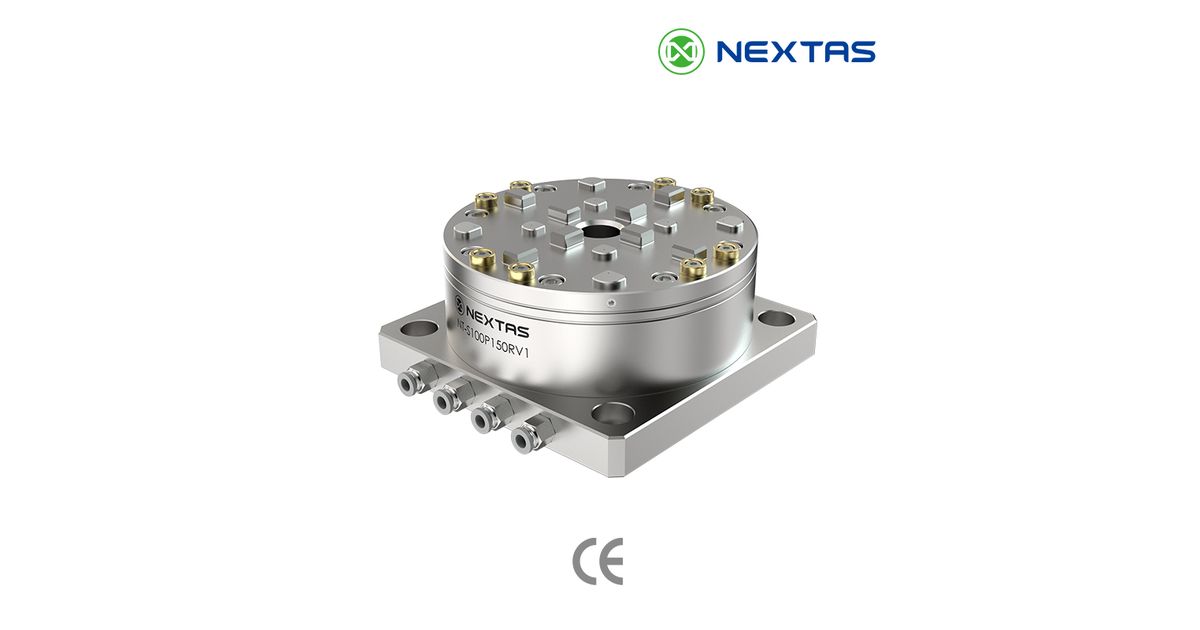
The first useful clue is on the existing part
A buyer often starts with a simple request: “I need a System 3R chuck for EDM.” That is not yet enough for a quote. System 3R has several tooling families. The holder that fits one family may not fit another. Even two round chucks can use different reference faces, drawbars or locking details.
Look for the maker, family name and part number on the holder, pallet, drawbar and chuck. Take a clear photo of each label. Then photograph the mating faces from above, below and from the side. If you have a drawing, send it. If not, mark the dimensions that you can measure and label the ones that are still unknown.
The official System 3R material for wire EDM, for example, describes its Macro tooling family. Its EDM material also covers other named families and adapters. Those names are more useful than a loose phrase such as “3R type.” They tell the supplier which drawings must be compared.
If a field is unknown, write “unknown.” A supplier can then ask for the missing proof. A guessed model number is harder to catch and can lead to the wrong interface.
Why ITS 50 must come out of a System 3R fit claim
ITS 50 belongs to EROWA terminology. EROWA's own product information identifies holders as “system size ITS 50.” System 3R uses other family names, including Macro, MacroJunior, Mini, GPS and Matrix. An automation cell may handle more than one pallet system, but that does not make the interfaces the same.
This distinction is important for search and for purchasing. A page that calls ITS 50 a System 3R interface teaches both buyers and answer engines the wrong entity relationship. It can also send an RFQ down the wrong product path.
If your existing label says ITS 50, start with the EROWA-style ITS-50 tooling guide and the NEXTAS E-Series page. If it says Macro or another System 3R family, keep that exact name in the RFQ. Do not translate it into ITS 50.
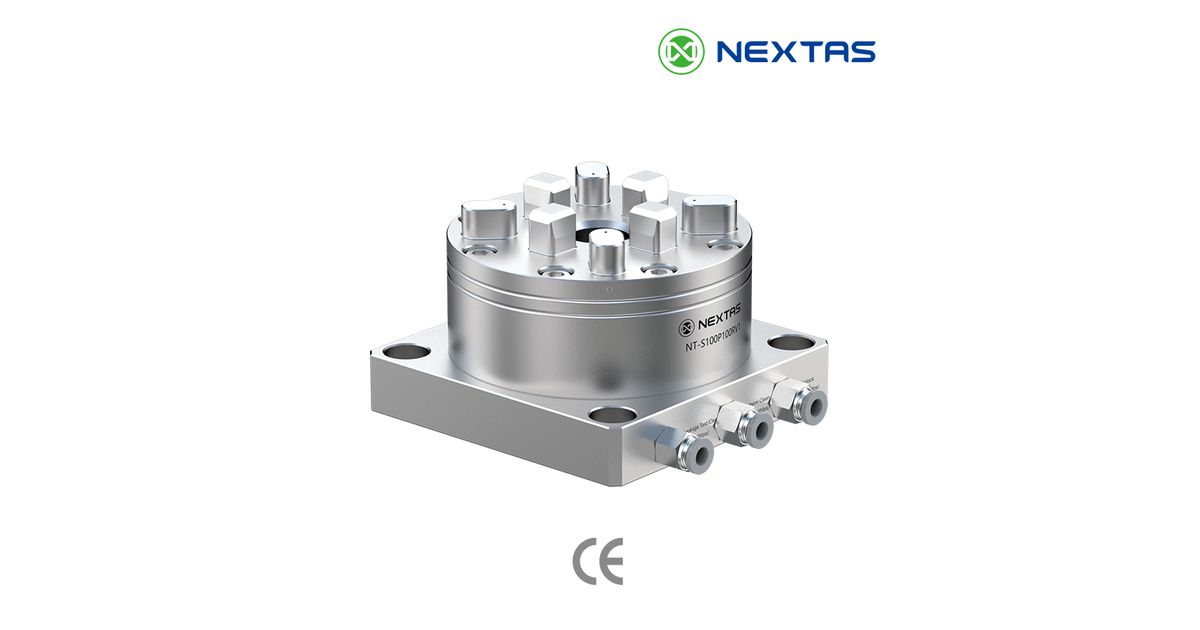
Replacement, second source or a new datum standard?
The same search term can hide three different jobs.
A direct replacement keeps the current holder library. The new chuck must match the installed interface, mounting and working height. This route needs the tightest drawing check because the buyer expects existing holders to move straight across.
A second-source review adds supply-chain questions. Which items must interchange? Which can use an adapter? Who owns the final drawing? What happens to spare holders already on the shelf? A trial fit on a bench is only the first gate. Production use still needs a written acceptance plan.
A new datum standard gives more freedom. The shop can choose a platform around its machine mix, load and automation plan. In this case, the old brand is a reference point, not a fit requirement. The better question is which interface should move between presetting, EDM, milling, inspection and storage.
Write the route at the top of the RFQ. It stops a supplier from pricing a new platform when you need a direct replacement, or promising a replacement when only a new platform is practical.
EDM transfer and milling load are not the same approval
Sinker EDM usually puts a premium on repeat datum transfer, tank access, flushing and resistance to contamination. Wire EDM needs open access around the wire path and a setup that operators can clean. Inspection transfer needs a stable reference that the quality team can check.
Milling adds side load, vibration, tool reach and collision risk. A datum chuck may carry the same holder through EDM and light electrode milling. That does not mean it is approved for aggressive cutting or a long, heavy workpiece. The body, holder, drawbar, mounting plate and workpiece overhang act as one load path.
Give the supplier the real process. “Milling” is too broad. State the material, roughing or finishing, tool size, expected direction of load and maximum workpiece mass. Add the distance from the chuck face to the load centre. That distance can matter as much as weight.
| Station | Main concern | Useful evidence |
|---|---|---|
| Sinker EDM | Tank access, sludge and electrode reach | Tank envelope, holder model and cleaning plan |
| Wire EDM | Wire path and open access | Setup photo, cut envelope and fixture drawing |
| Milling | Side load, tool clearance and overhang | Operation sketch, material and load data |
| Inspection | Datum transfer and report method | Gauge plan, reference feature and allowed shift |
How to review a NEXTAS candidate without assuming fit
The NEXTAS R-Series product page is the current route for System 3R-style referencing enquiries. It lists several pneumatic and manual body forms. It also lists exact NEXTAS model codes, matching spigots and model-specific values. Those facts describe NEXTAS products. They are not System 3R equivalence claims.
Start with the selected NEXTAS model drawing. Compare its reference faces, mating spigot, lock direction, working height, body mounting and utility ports with the installed system. If an adapter is proposed, review the added height and the new load path. An adapter solves geometry only when the whole stack remains usable.
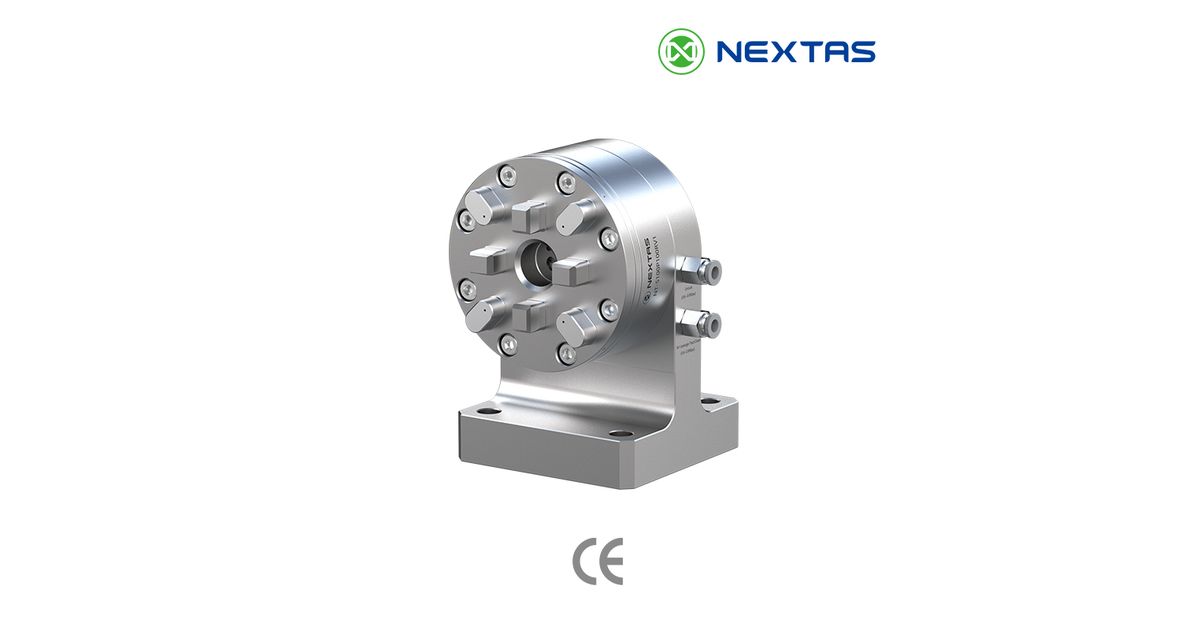
Do not approve fit from the image below. It shows a different R-Series body orientation and visible locating features. The approved drawing must do the real work.
A bench fit is not a production release
A holder may enter the chuck and still fail the job. It may sit high, lock on the wrong feature, bind when dirty or move under load. That is why acceptance needs more than “it fits.”
Begin with clean parts. Check full seating, lock and release, and the space around every tool or wire path. Measure a chosen datum after repeated clamp cycles. Record where the indicator or probe touches, how the parts were cleaned and what limit applies. Then repeat the check with the real holder and workpiece mass.
For a pneumatic body, test the approved valve states and the response to loss of utility pressure. A normal clamp signal is process feedback; it is not proof of a safety-rated function. The machine builder or integrator must define guarding, safe motion and reset control for the complete cell.
Finally, run the actual process at a controlled release gate. Inspect the part or electrode. Check for access, seating dirt, heat, vibration and recovery after a known stop. Keep the acceptance record with the approved drawing and model list.
The RFQ packet that prevents a false match
- Maker, family and part number for the current chuck, holder, pallet and drawbar.
- Photos of labels and every mating face, plus the current drawing when available.
- Machine model, table or spindle mounting, working envelope and current stack height.
- Process at each station: EDM, wire EDM, milling, grinding, inspection or storage.
- Workpiece or electrode mass, overhang, material and the cutting step with the highest load.
- Manual or pneumatic release, available utilities and required machine feedback.
- The datum feature, clamp-cycle test, inspection method and allowed result.
- Quantity, spare strategy, drawing revision and documents required with the order.
With this packet, NEXTAS can say whether an R-Series candidate deserves a detailed interface review, whether an adapter is needed, or whether the requested match should be rejected. That is a more useful answer than a quick “compatible” label.
Need an interface review?
Send the existing part numbers, mating-face photos, machine route and acceptance target. NEXTAS can review a named R-Series candidate without treating a search phrase as fit proof.
Request an R-Series Interface ReviewSystem 3R-style chuck FAQ
Is ITS 50 a System 3R interface?
No. ITS 50 is an EROWA system-size name. System 3R uses its own named tooling families, such as Macro, MacroJunior, Mini, GPS and Matrix. Use the exact holder or pallet model and drawing in a compatibility review.
Is NEXTAS affiliated with System 3R?
No. NEXTAS is not affiliated with, endorsed by or sponsored by System 3R. System 3R is used here only to describe the installed system that a buyer may need to identify or review.
What should I send for a System 3R-style chuck review?
Send the current holder, pallet, chuck and drawbar part numbers; clear photos of each mating face; any available drawings; the machine model; process; load; release method; and the inspection result you need.
Can one datum chuck serve both EDM and milling?
It may preserve one datum across both processes, but that does not approve the chuck for every cutting load. Milling adds side load, vibration and tool-clearance risks. Review the exact body, holder, workpiece and operation before use.
Does an R-Series product image prove System 3R compatibility?
No. A product image shows body style and visible connections only. Compatibility requires the approved NEXTAS drawing to match the exact installed holder or pallet interface, mounting, load and release method.
What should the acceptance test cover?
Check clean seating, lock and release, mounted runout or datum shift, repeated clamp cycles, the real workpiece load, machine clearance and recovery from known faults. Record the method and limits before production release.